Loading your next rally…
Skins, character codes, guides and the Locker
for Just Volleyball players.
Browse a look, review its accessories, then copy the appearance code.
The confirmed launch date, regional release times, full-game features and what to check before installing.
The Encore Demo timeline, how to check current Steam access, outfit codes and the move to the full release.
Learn positioning, receiving, setting and attacking through a repeatable first-session routine.
Keyboard and mouse defaults, contact contexts, serving, camera settings and controller troubleshooting.
Join quickplay, host a lobby, invite friends and troubleshoot online, LAN and shared local sessions.
See the planned work on ranked matches, music, cosmetics, maps and practice, along with the developer’s targets and the features still being considered.
Get into position before receiving, keep space for teammates and time your jump around the set. Use bot games and replays to work on the next rally.
Quick match no longer applies the matchmaking penalty introduced in the earlier patch. The developer plans to reconsider how that system should work.
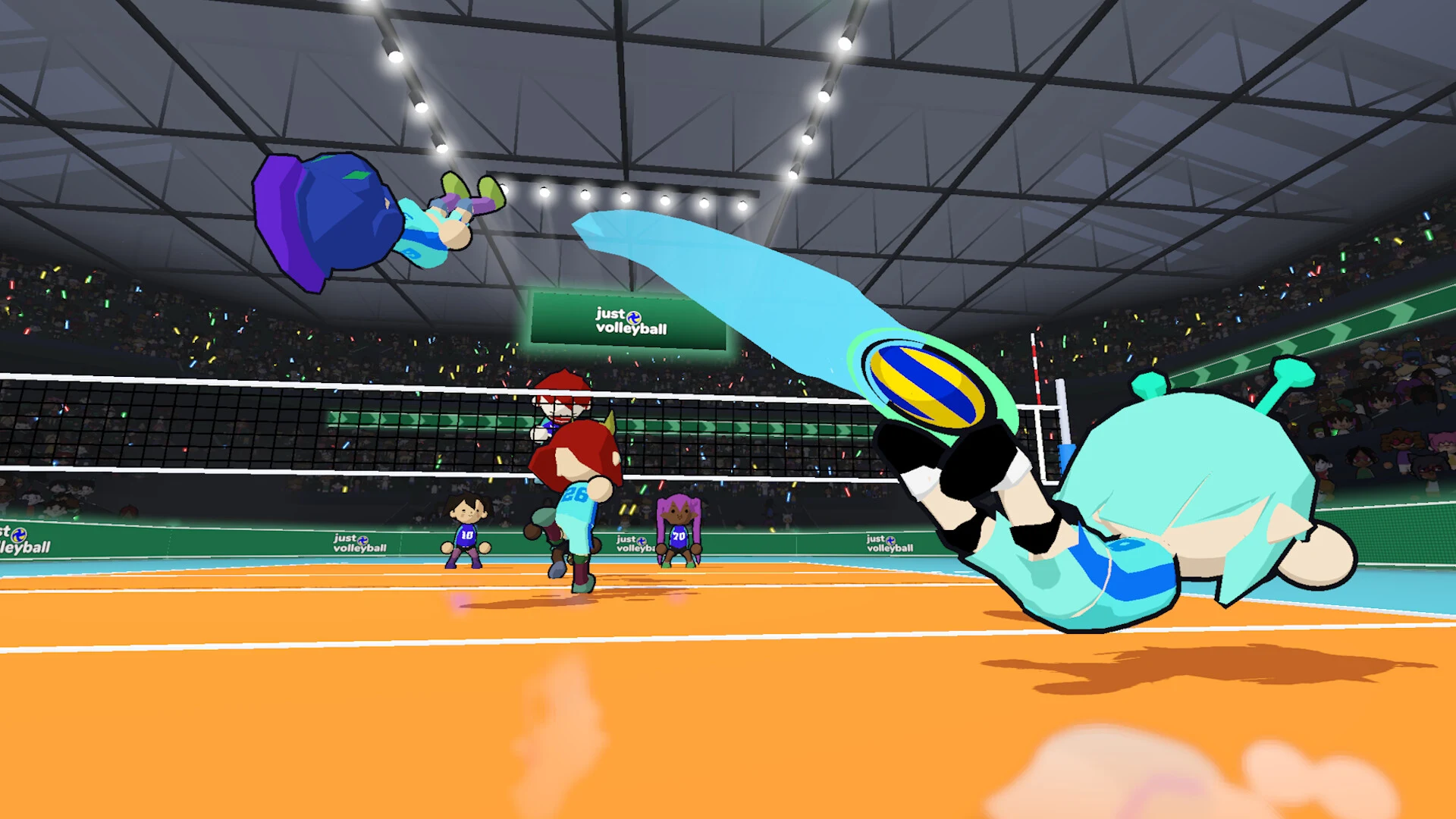
Just Volleyball is temkosoft’s arcade volleyball game for Windows PC on Steam. Move manually, aim with the cursor and play online or offline in formats from 1v1 to 6v6.
Explore community skins and character codes, customize a player in the Locker, and try accessories in the Shop. Our Characters guide covers profiles, XP, chips, titles and rewards.
Start with the Beginner guide, check your Controls, or learn to play with friends. Visit Release & Price for game availability and pricing information.
Just Volleyball is temkosoft’s arcade volleyball game for Windows PC on Steam. Move your player manually, aim contacts with the cursor, and play online or offline in formats from 1v1 to 6v6.
The game released on November 16, 2026. Open its Steam listing to buy or install it. The Updates page includes Release & Price information with a timestamp for the available US price reading.
The November Encore Demo was a limited event. Check the official Steam page for a current demo download option. An old demo in your library does not confirm that access is still open.
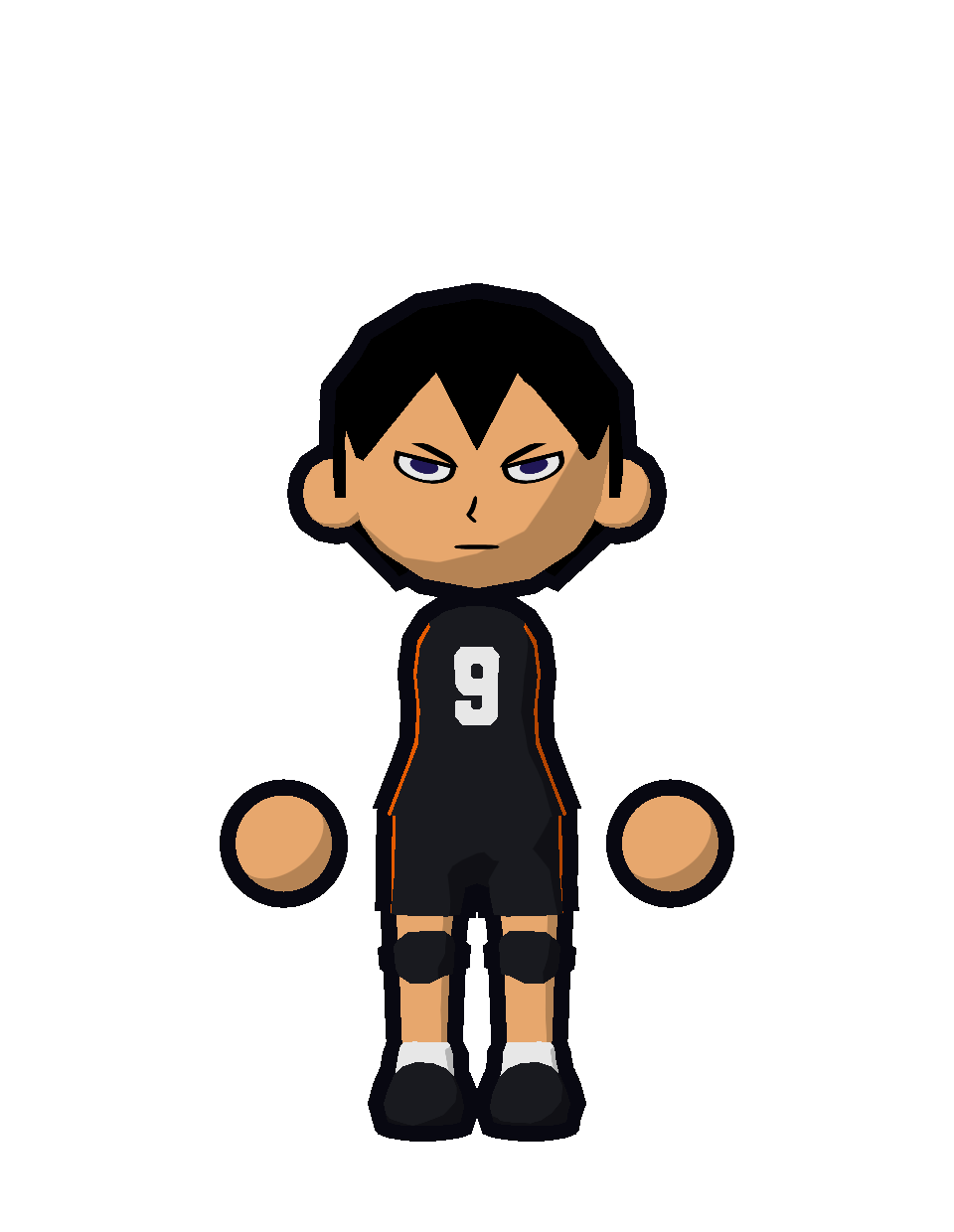
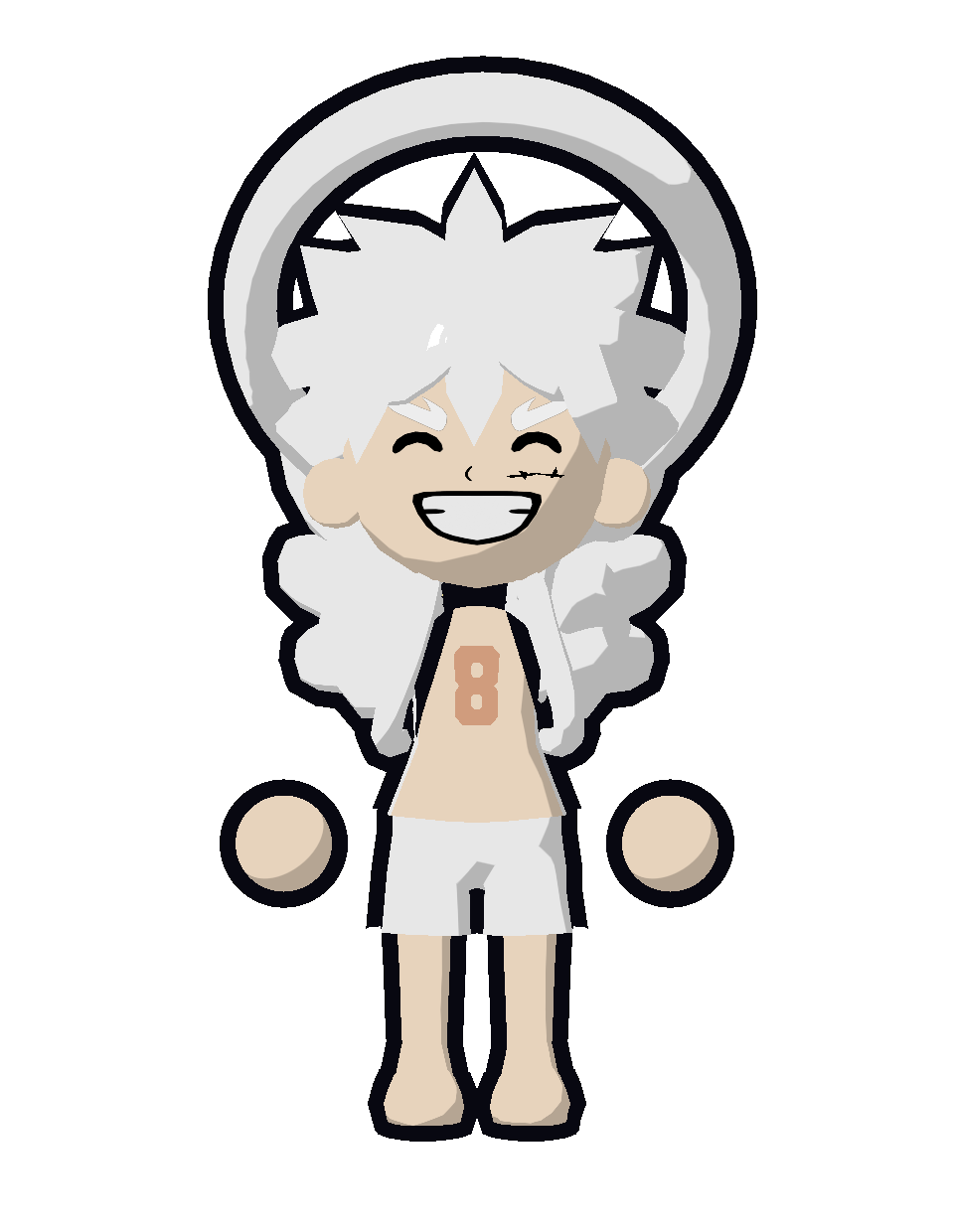
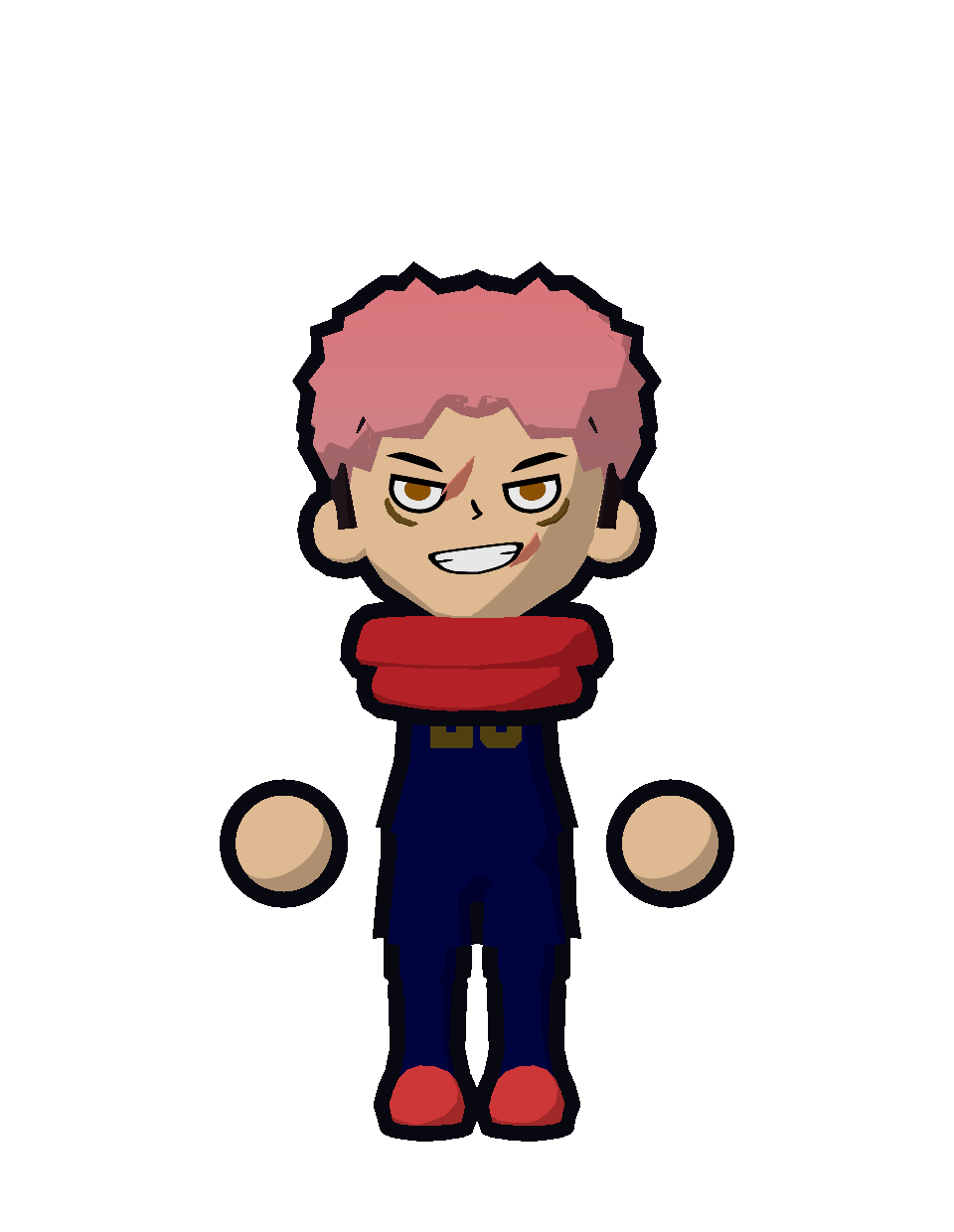
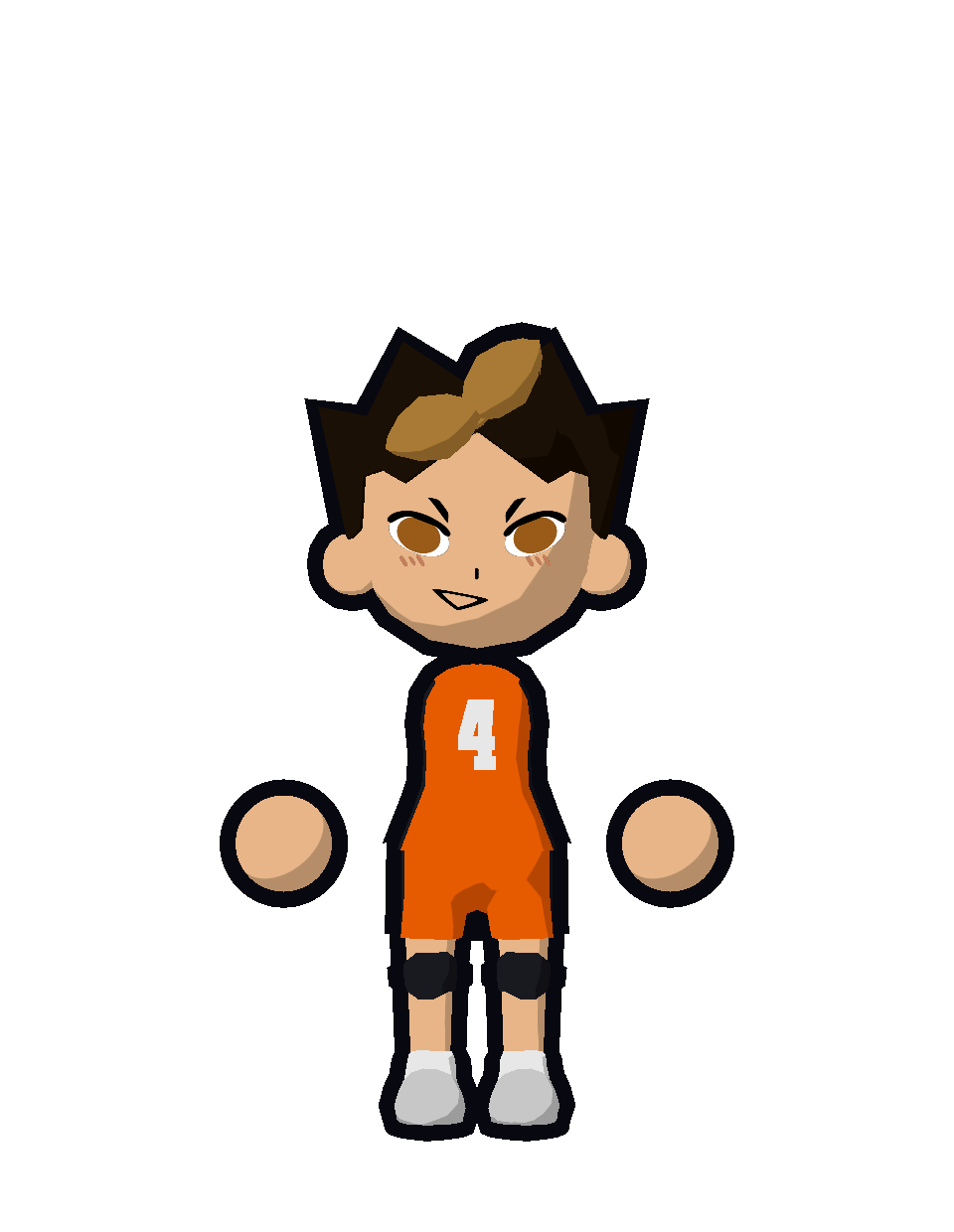
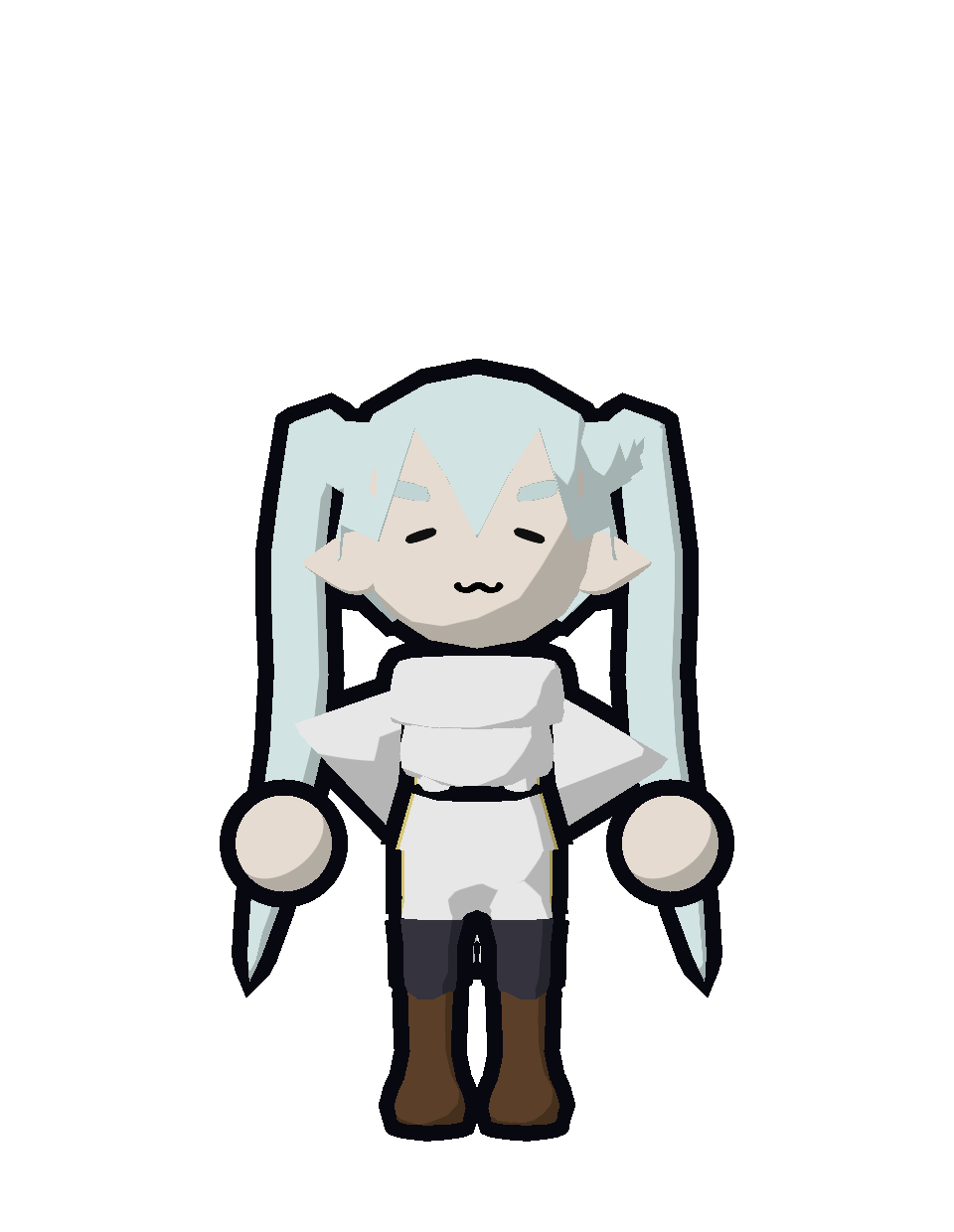
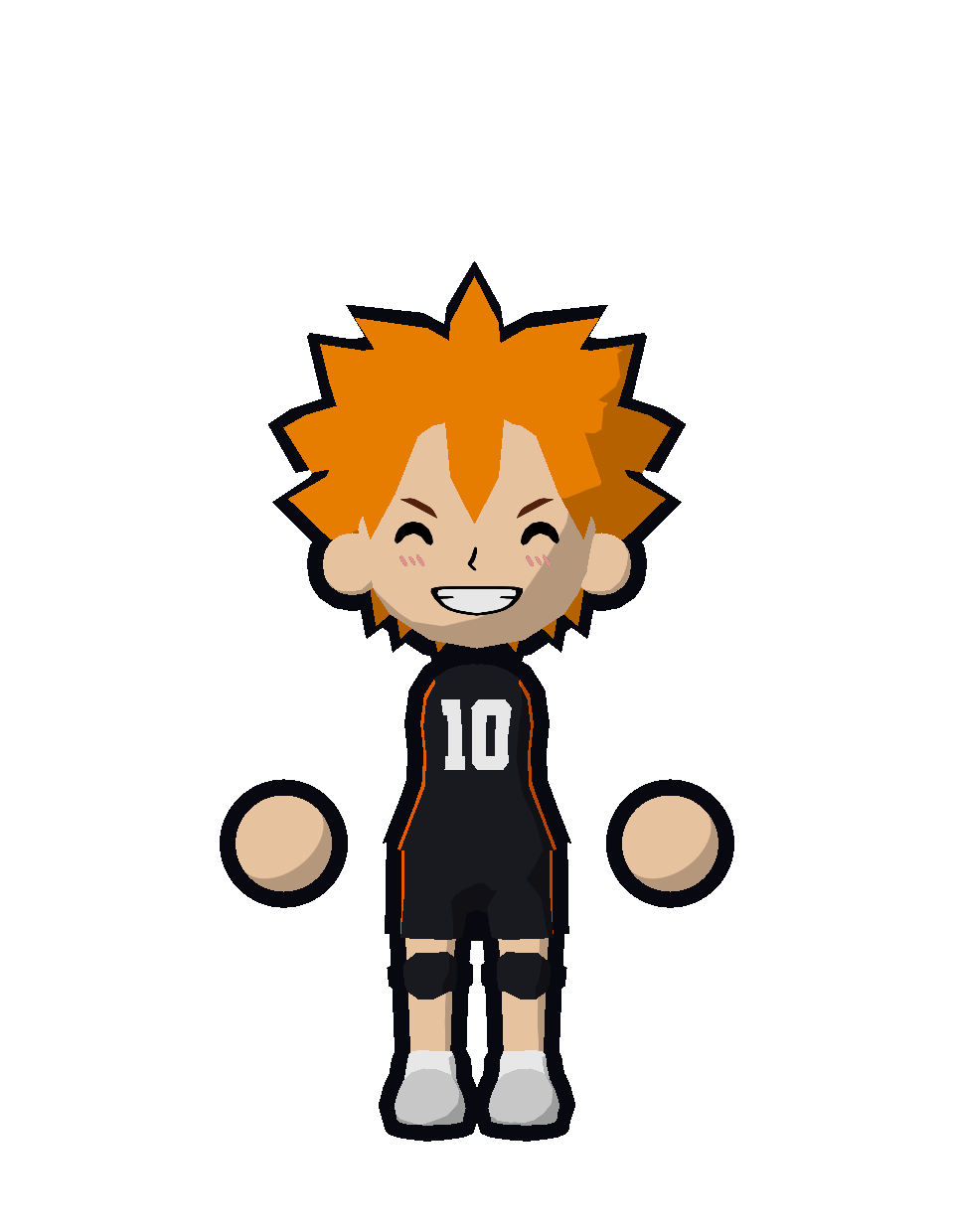
The game lets players create their own avatars. Names in our skins collection describe community-created looks inspired by those characters. You can open each look to inspect its picture, code and required accessories.
Copy a look’s code, open the in-game Locker, choose Presets and select Import. Paste the code, review the preview and any required items, then confirm. The import guide also explains player-card pictures.
A code describes an appearance. Your game profile still needs to own the required accessories, and an older build may lack some items. Check the listed requirements before importing.
Adjust your player’s face, body, hair, outfits and accessories, rotate the preview, save a look and export its appearance code. You can also try Shop items and continue editing the combination in the Locker.
Use compatible updated versions and create a party or custom lobby. The Online guide covers invitations, server browsing, LAN, local play and Steam Remote Play Together.